
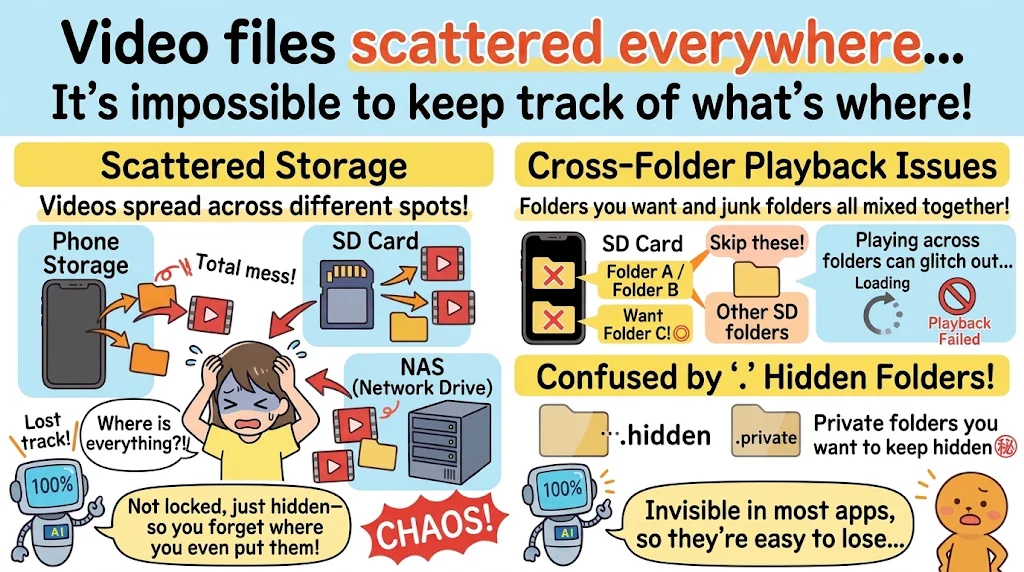

Don’t your video files tend to end up scattered all over the place? They’re on your device’s internal storage, an SD card, a NAS, and all sorts of other places—doesn’t it feel like you’ve lost track of them?
When playing videos, have you ever wanted to watch files from this folder and that folder on your SD card, plus this folder on your NAS, but not the ones on your device’s internal storage or other SD card folders? Or have you ever had trouble playing videos when they span multiple folders?
Also, what about hidden folders that start with a period, or folders you don’t want others to see? Do you ever find yourself unable to keep track of where your videos are and what’s going on? I certainly did.
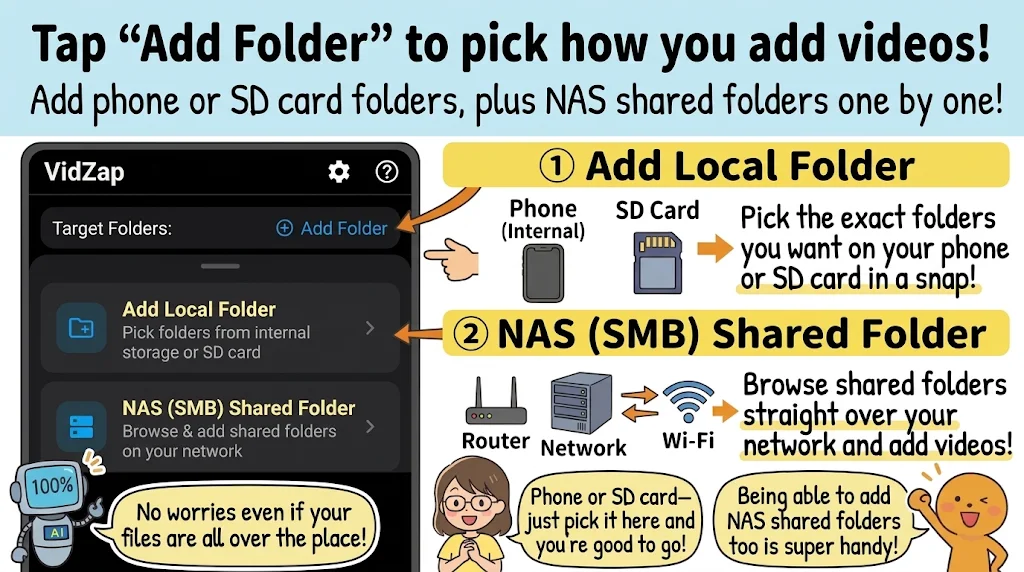
Simply add the folders you want to display and select the ones containing the videos you want to watch—it’s that easy to limit playback to exactly what you want.
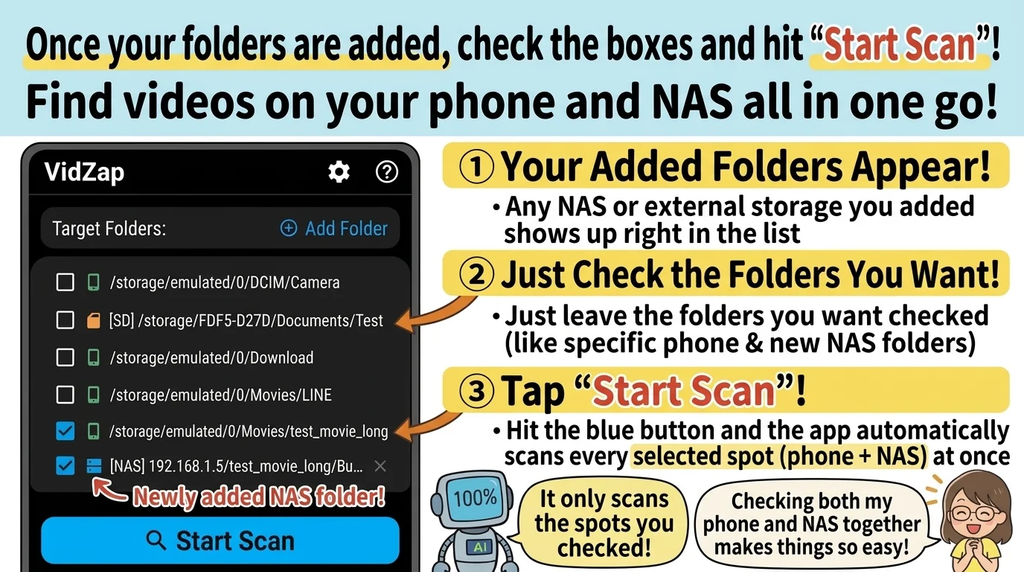
You can select not just internal storage, but also NAS.


Comments